Your files
Copy from Windows in the welcome app brings over your Desktop, Documents, Pictures, Music and Videos, plus your Edge and Chrome bookmarks, from the Windows drive next to KrissOS.
Preview ISO out now. Release 110 is on the way.
Install it without internet. Find your way around like on Windows. Work, game, run your own AI. Senang je.
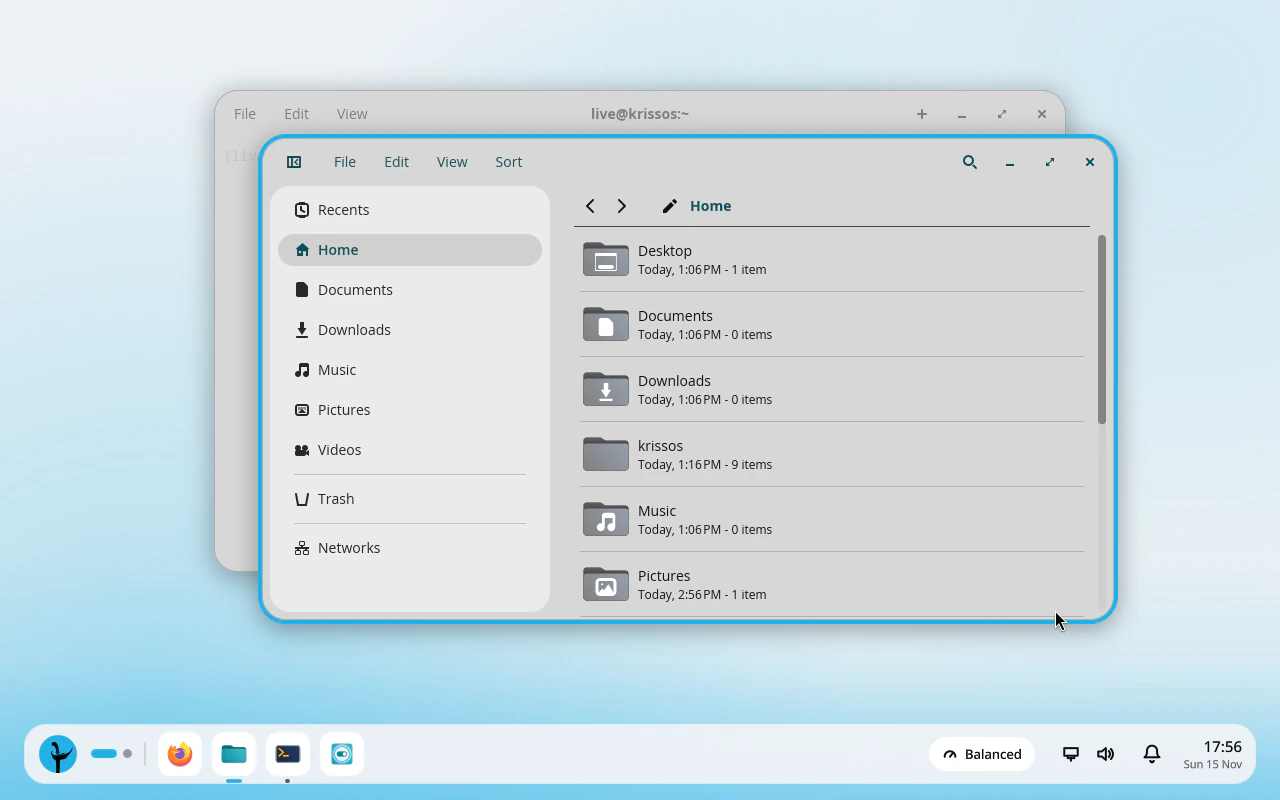
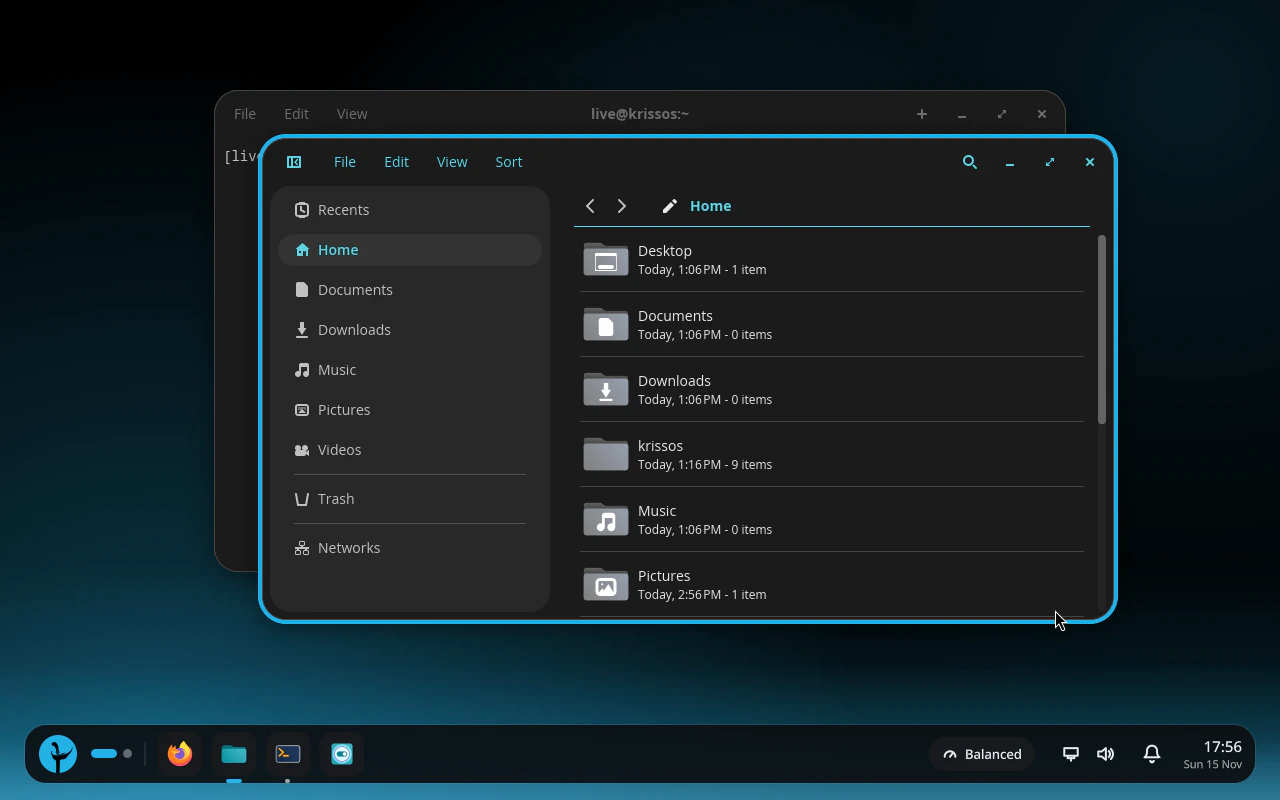
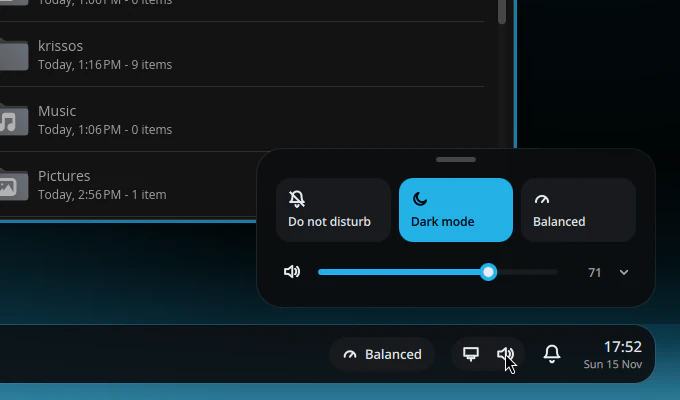
Real screenshots of the KrissOS Shell. It follows your light or dark setting, like this page.
Your habits work here. The look is our own: soft, rounded and calm, with one Sky Cyan accent.
Copy from Windows in the welcome app brings over your Desktop, Documents, Pictures, Music and Videos, plus your Edge and Chrome bookmarks, from the Windows drive next to KrissOS.
Sign in to Steam and play your Windows games as usual, through Proton (not the car). Got Xbox Game Pass? Try Xodus Nexus (still experimental, not every game runs). Not sure? Look your games up in the game checker in the welcome app first.
Most of what you use has a Linux version or runs in the browser. For the rest, WinBoat runs Windows apps in their own windows.
Windows habits, in a look that is all ours. The window you're using gets a soft Sky Cyan ring.
Work in the morning, play at night, and run your own AI in between. No second computer, no dual boot.
A calm desktop where things are where you expect them. If an update goes wrong, pick an earlier snapshot when you start the computer. Windows-only apps run through WinBoat.
Steam is set up for you, with the right drivers for your graphics card, older NVIDIA cards included. Power modes tune the system when you start playing.
Run AI models on your own computer, with no account and no cloud. Ollama is set up for your graphics card, and the coding tools you already use are one step away.
What KrissOS holds to in every release. No fine print.
kriss rollback, and undo our tools' changes with revert.Everything else comes straight from Arch. We ship only what is ours, in one signed repo that two people can keep alive.
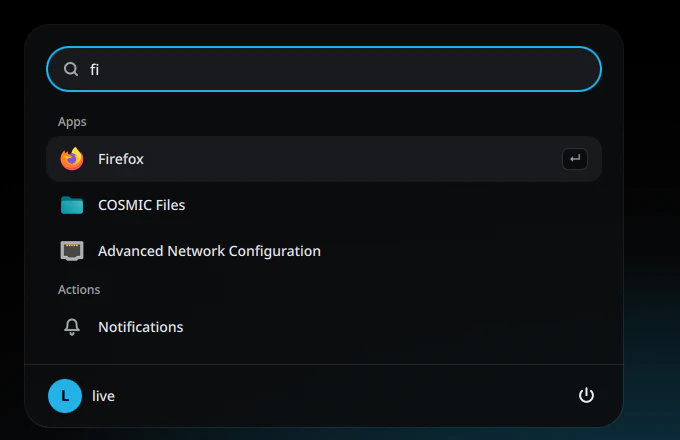
A taskbar, a launcher you type into, notifications, quick settings and a lock screen. It is the default desktop.
Try KrissOS before you install. A new build comes out every night, and only after it boots in our tests.
Opens on first start: the game checker, your usual apps, Copy from Windows, drivers and extras.
Steam, GameMode, Gamescope and MangoHud in one install, plus power modes that switch with a click.
WinBoat runs Windows apps in their own windows. kriss winapps checks your computer first and sets it up.
Ollama from the welcome app, tuned for your graphics card, and an optional step to install the coding agents you already use.
kriss-vm gives a Windows VM your graphics card, on desktops. It checks your hardware first and undoes everything in one command.
Installs next to Windows, with every snapshot one pick away in the boot menu. Being tested now.
Our own kernel, tuned for modern processors and built in the open. A standard build covers older PCs. Being tested now.
Prefer a Mac? An optional layout with a top bar, a centred dock and window buttons on the left, in the same look.
kriss migrateAlready on Arch or CachyOS? One command will turn that install into KrissOS in place, with your files and apps kept.
KrissOS will run with Secure Boot on, and stay signed after every update.
Boot the live USB or a VM. Nothing gets installed until you say so.